Orbita Hotel Docking Process
I. Docking Scenario
Users hope to integrate the hotel's Bluetooth function into their own management system, so that they can manage and control door locks in their own hotel management system without using the Orbita Hotel system.
Users hope to integrate the hotel's Bluetooth function into their own management system, so that they can manage and control door locks in their own hotel management system without using the Orbita Hotel system.
II. Preparatory Steps
- Use the Orbita Hotel Management System and app to add door locks;
- Register as a developer, and after passing the review, create a developer application;
- After the hotel passes the review, obtain the client_id and client_secret;
III. API Calling
Retrieve required data via API.
Bluetooth Information
Broadcast: Starts with OBT
Service: FFF0
Write Characteristic: FFF1
Read Characteristic: FFF4
Service: FFF0
Write Characteristic: FFF1
Read Characteristic: FFF4
General BLE Unlocking Process for Bluetooth Lock
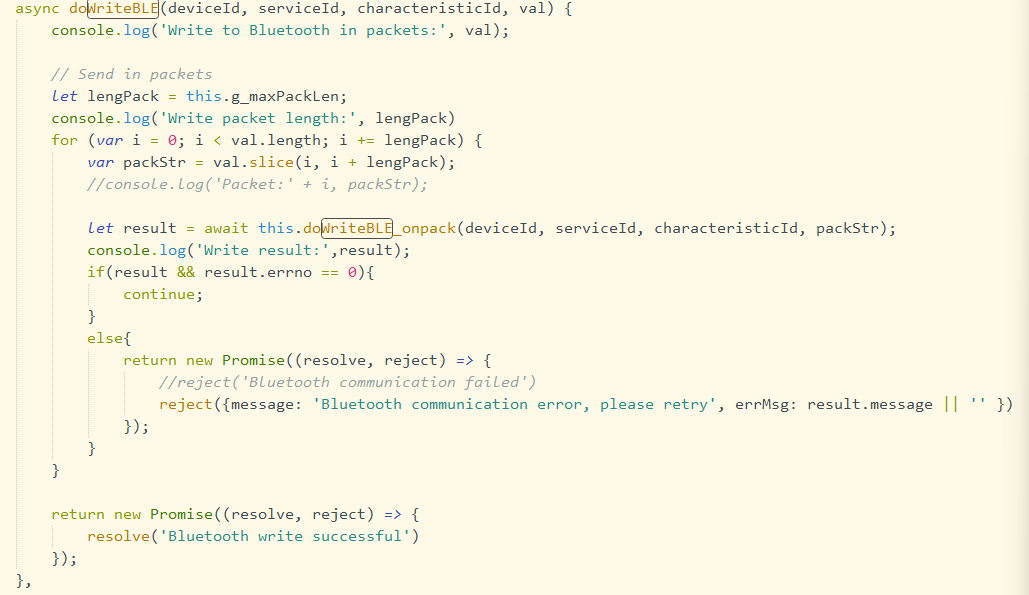
- Obtain the Bluetooth lock name (MAC address) and unlock key (binary data).
- Search for and connect to the Bluetooth device by its name.
- After successful connection, acquire services and characteristics, then enable characteristic notification.
- Write the unlock key to the write characteristic and send the unlock command.
- Parse the returned data from the BLE callback of door opening packets.
- Unlock completed.
Elevator Access Process
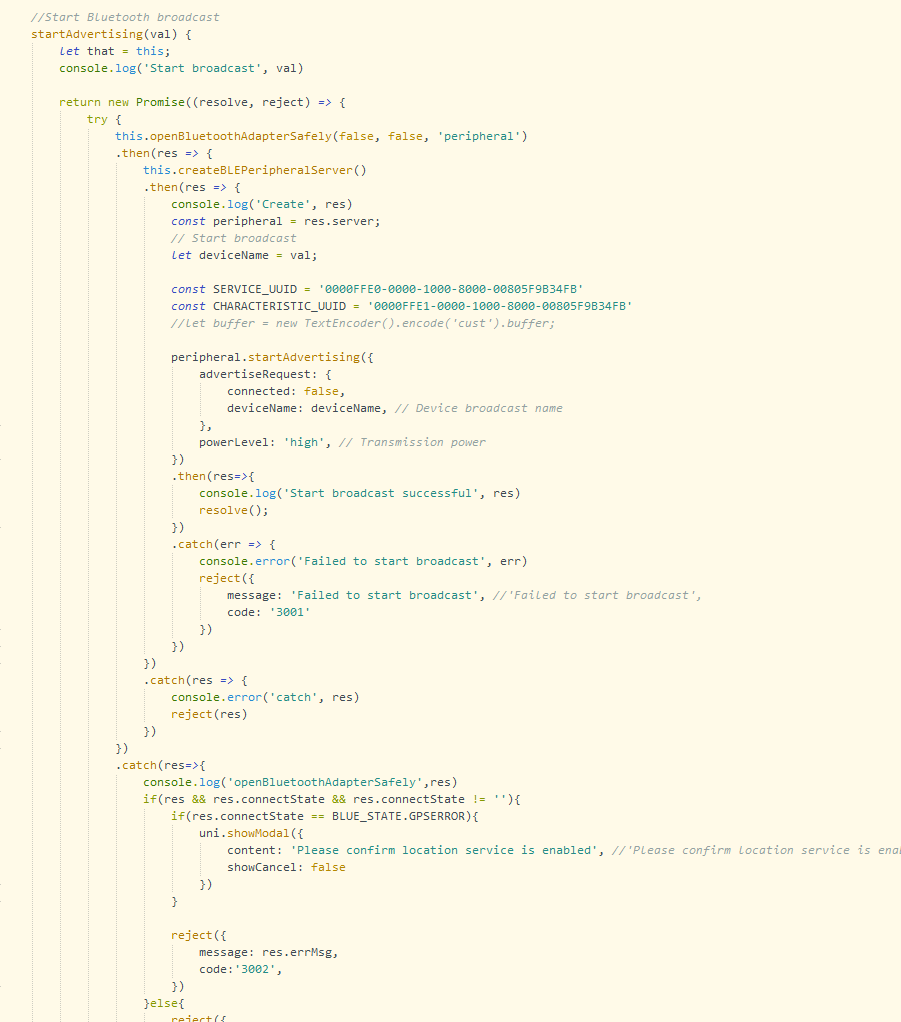
- Get building and floor information.
- Acquire BLE broadcast data (binary data) for elevator access.
- Transmit BLE broadcast data via device name for elevator identification.
- User selects the target floor.